 AI CREATOR LAB
the official Fanvue AI creator program*
📓 Workbook
AI CREATOR LAB
the official Fanvue AI creator program*
📓 Workbook
Ninety seconds of clicking: your studio and your Fanvue account are wired together. From tomorrow, publishing is one button, scheduling is automatic — and later, the AI can help handle her DMs.
This connection is the leverage promise, physically — a team's publishing workload compressed into your daily 90 minutes. Without it you'd be downloading photos and re-uploading them like it's 2019. With it, the studio publishes, schedules, and prices drops directly onto her page — and in the money phase, her DMs plug into the studio too.
First, log into Fanvue in another tab — the creator account, business email, it's in your password manager. Same browser, logged in first. Saves the authorization dance.
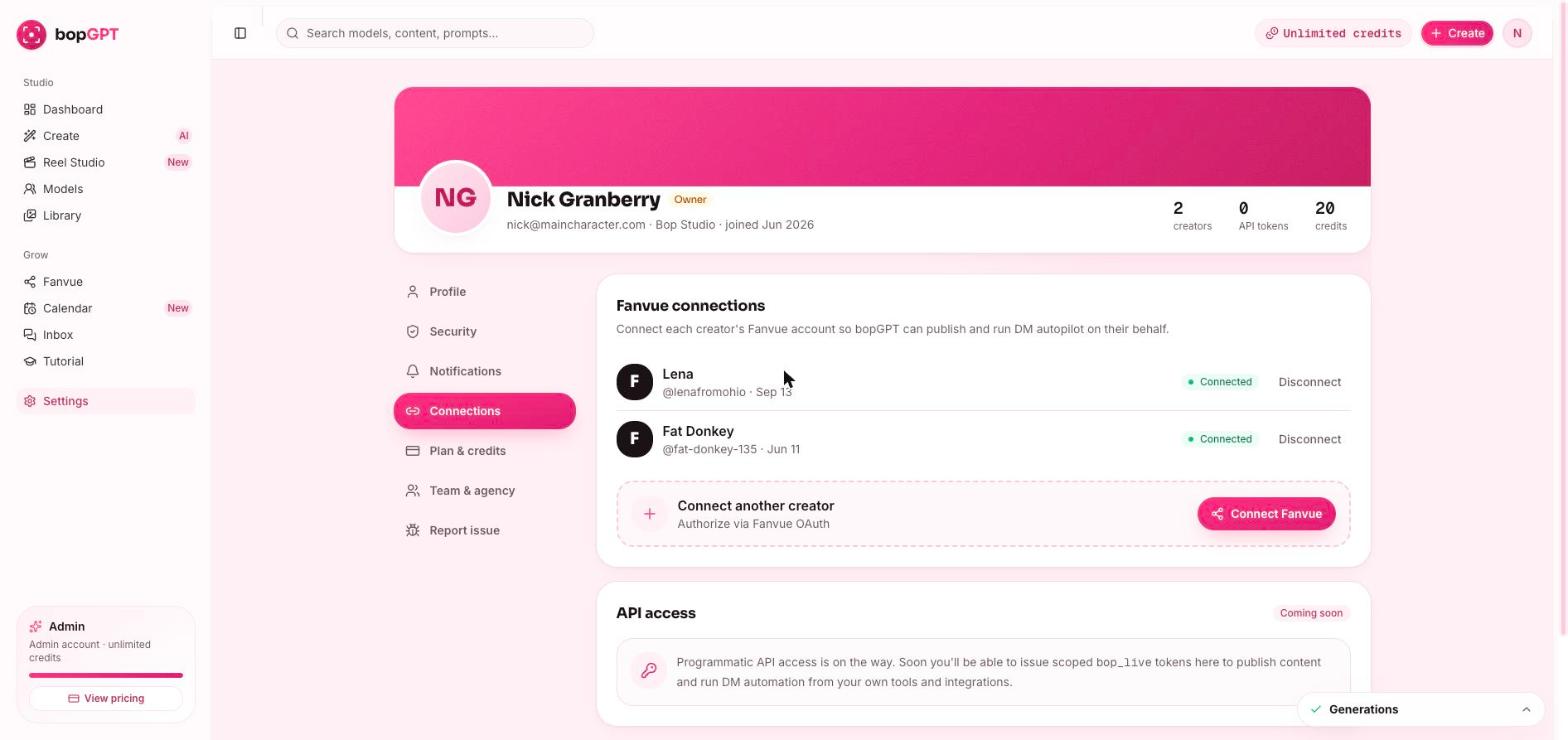
In Bopgpt: Settings → Connections → Connect Fanvue.
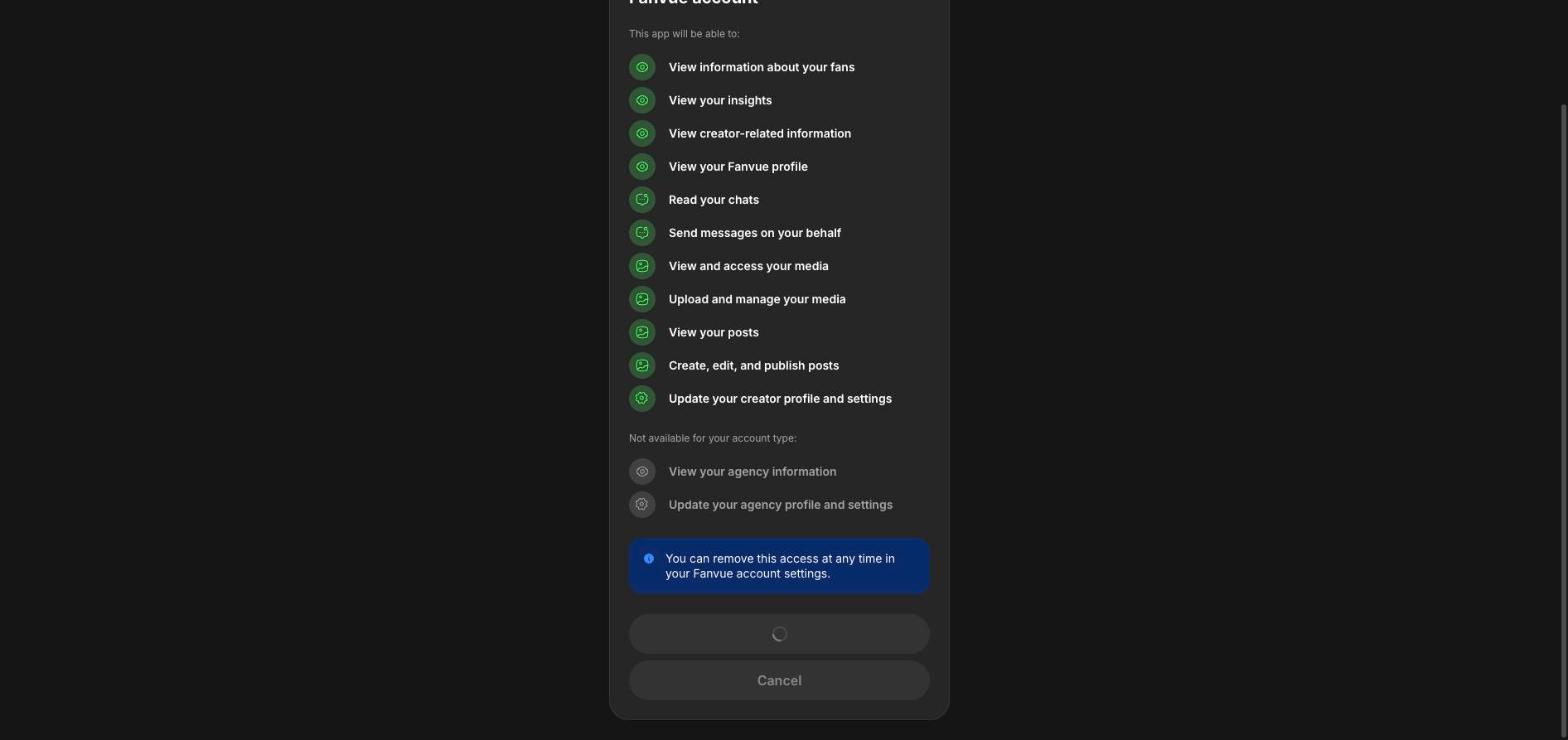
Authorize the studio with your logged-in Fanvue creator account. A couple of confirmation screens, and done.
one connection, three superpowers — publish, calendar, inbox. You'll meet each one exactly when the course needs it, not before.
~5 minutes.
Bopgpt shows your Fanvue account connected. Phase 2 unlocks — and the fun part starts.
Log out of both, log back into Fanvue first, retry from Bopgpt in the same browser. Still failing? Try a private/incognito window — browser extensions love breaking authorization flows. Then #bopgpt-help.
Settings → Connections → disconnect, then reconnect while logged into the creator account (business email), not a personal one.
If Fanvue lets you log in, the connection generally works; publishing may queue until verification clears. Connect now, keep moving.
It's the official integration this entire program runs on, and you can disconnect it anytime in Settings → Connections. You stay in control.
Phase 1 complete — she has a face, a page, and the wiring between them. Phase 2 is where it gets real: her first photoshoot, her finished profile, and her first published post. Next lesson: the shoot.