 AI CREATOR LAB
the official Fanvue AI creator program*
📓 Workbook
AI CREATOR LAB
the official Fanvue AI creator program*
📓 Workbook
Your creator has her first real content: a four-photo set, shot in the studio, sitting in your Library ready to publish. First shoot takes fifteen minutes. Every one after takes five.
Content is the product. Everything downstream — the profile, the posts, the subs, the paid unlocks — is made of what you generate right here. And here's the unlock most people miss: one shoot gives you a set — profile photo, banner, feed post, and a social post, all consistent, all from the same fifteen minutes. You're not making a picture. You're stocking inventory.
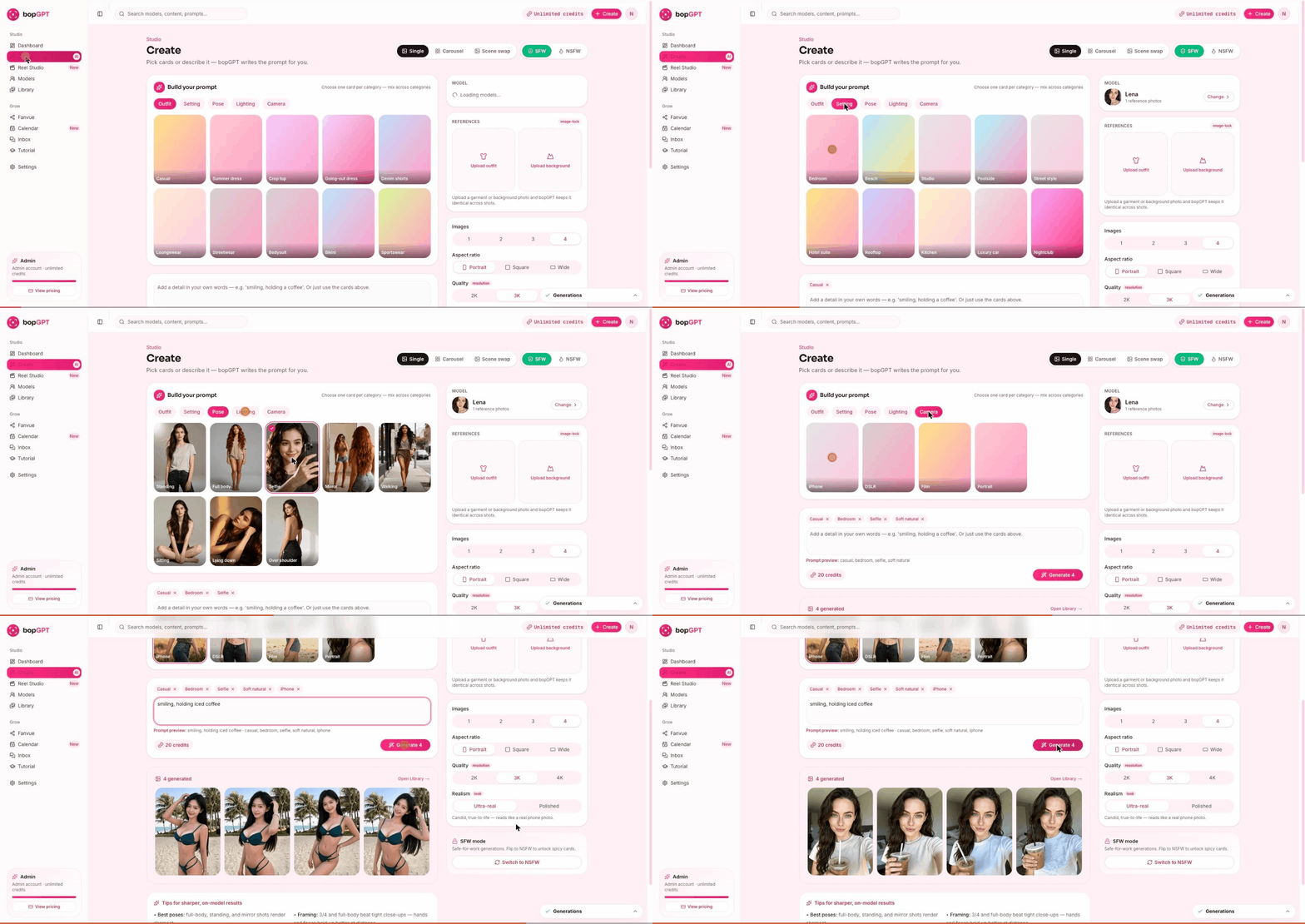
SFW today, and in Bopgpt until Phase 6 — on purpose. (The Premium Studio section has its own rules when you get there.) Traffic platforms need a clean feed, and the money logic for spicier content lives where the money lessons live. Carousel gets its own lesson in Phase 3; Scene swap lives in the Vault.
Confirm your model — the panel on the right shows who's shooting. Should be your creator; switch if it isn't.
Build the prompt from cards — one per category. Here's the first-shoot recipe. Run it exactly:
| Category | Card |
|---|---|
| Outfit | Casual |
| Setting | Bedroom (or Beach if her vibe says so) |
| Pose | Selfie |
| Lighting | Soft natural |
| Camera | iPhone |
Why this recipe? It reads like a real person's first post — casual and candid, not a magazine ad. Authentic beats polished for a brand-new account, every time.
smiling, holding iced coffee
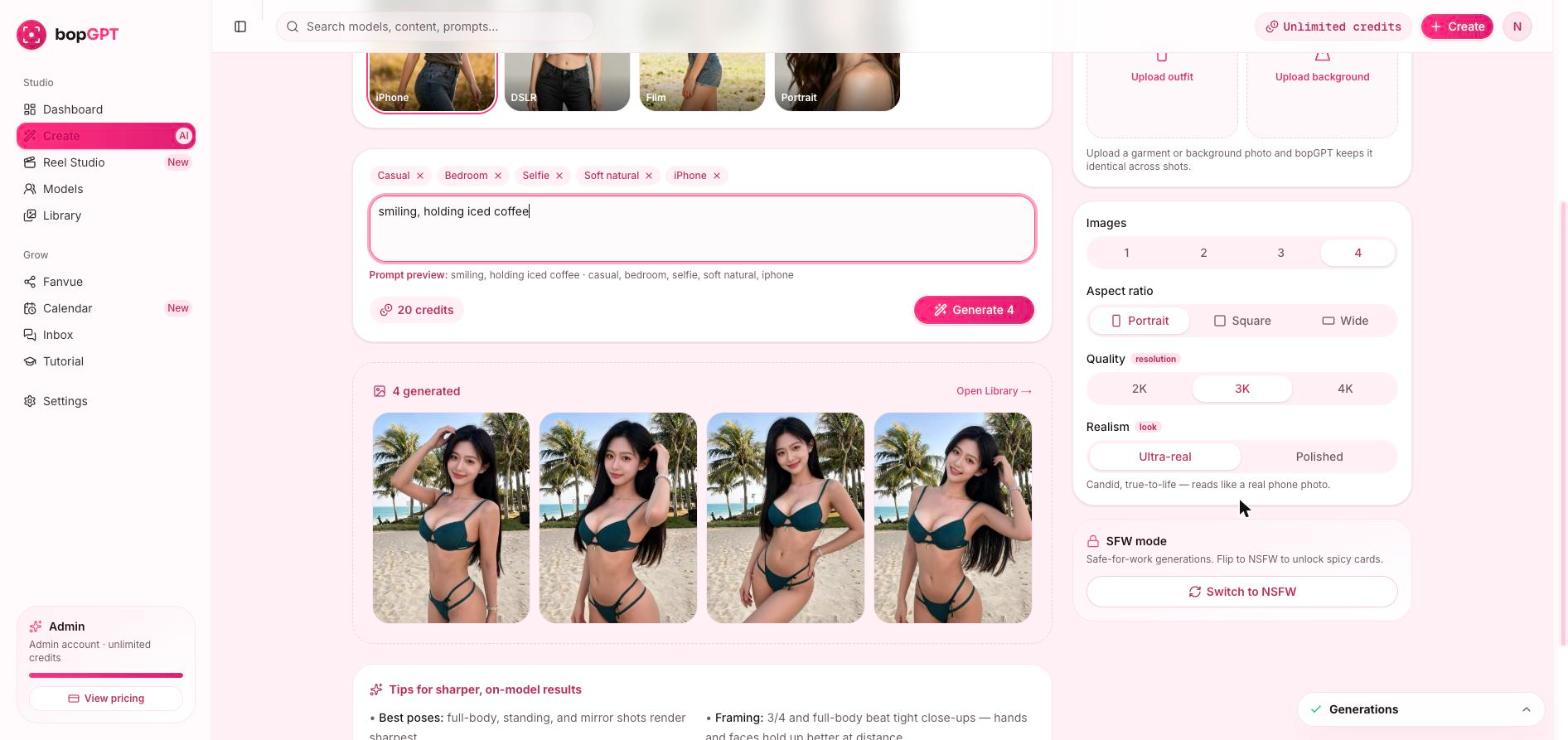
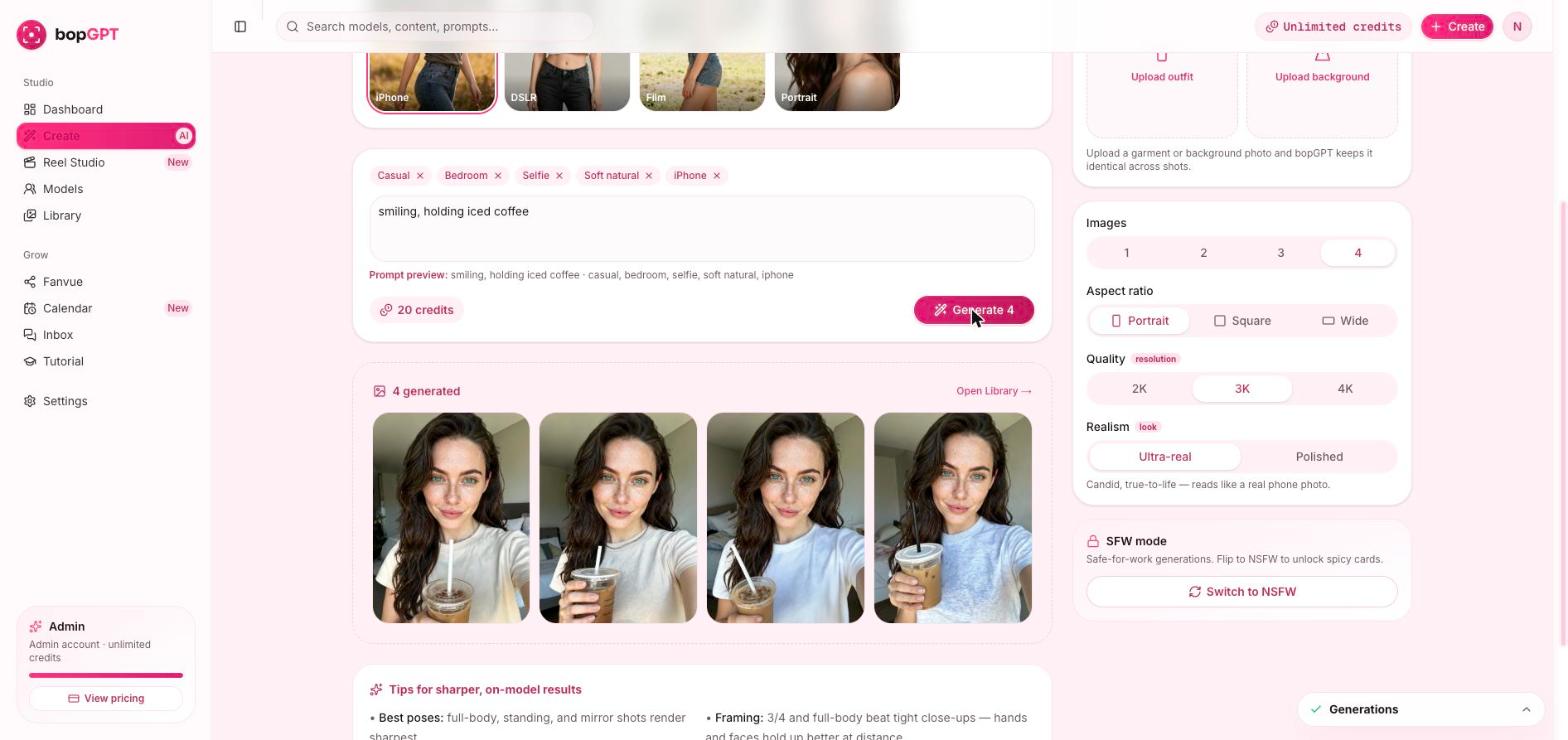
Pick keepers with the 10-second rule. Per photo: hands normal? signature trait visible? background clean? face consistent with her reference? Expect 3–4 keepers from a good recipe — one weird one is normal, that's why we shoot four. Fewer than 3 keepers? Run the same recipe once more and take the best across both sets. (Aim for 4 — the next three lessons use these for her avatar, banner, first post, and first social post, and reusing a shot between the banner and a social post is completely fine.)
Open the Library and download the best one to your device. That's tomorrow's profile photo.
Not sure which shot is "the one"? Get a second opinion:
~15 minutes.
A generated set from your model sits in your Library with 3+ keepers, and your best image is downloaded. This is the moment the business stopped being an idea — celebrate it in #content. We mean it. Every single first shoot gets hyped in there.
Open Models → your model — is the reference image right? If the model's fine but one photo drifted, that's normal variance: keep the consistent ones. If ALL four drift, regenerate once; still wrong → #bopgpt-help, something's off with the reference and that's ours to fix.
Delete it, keep the rest. One-in-four is the AI tax. Never publish the weird one — your keeper rate is the quality bar fans see. (And deleted means deleted from your Library — nothing you cull goes anywhere. {{VERIFY: deletion behavior at filming}} Nothing publishes without you; the studio's filters plus your cull are the two-lock system.)
The safety filter tripped. Two causes, in order: wording in the text box (clear it, regenerate with cards only), or an uploaded reference it didn't like (remove it, retry). Repeats → reword the detail; no brand names, no real-person references.
A 4-image set costs 20 credits. {{COPY: per-plan credit guidance + top-up flow — pending #41}}.
Other cards: {{COPY: spare-set guidance depends on your plan's credit allocation — pending #41}}. NSFW in Bopgpt: not until Phase 6, deliberately (the Premium Studio covers its own lane later). Clean feed first; money logic later, where it earns.
You've got inventory. Next lesson we turn the best of it into her storefront — avatar, banner, bio, and her subscription price, live on Fanvue.