 AI CREATOR LAB
the official Fanvue AI creator program*
📓 Workbook
AI CREATOR LAB
the official Fanvue AI creator program*
📓 Workbook
Two skills, both run live on her keeper from r-3: an agentic edit that turned one shot into a second sellable frame for 70 credits, and her first video — the keeper brought to life for 540 credits at the disciplined settings (5 seconds, 480p). Plus the trick that makes every video pay twice: free frames.
A premium shoot gives you a frame. These two suites give you volume from that frame. One good keeper becomes: the original, an edited variant (new outfit, new lighting — new sellable unit), a 5-second clip (video sells at a premium on every tier of her ladder), and 3–4 free stills scrubbed out of that clip. That's six-plus pieces of ladder inventory from one 80-credit shoot. Volume-from-keepers is the entire premium economics.
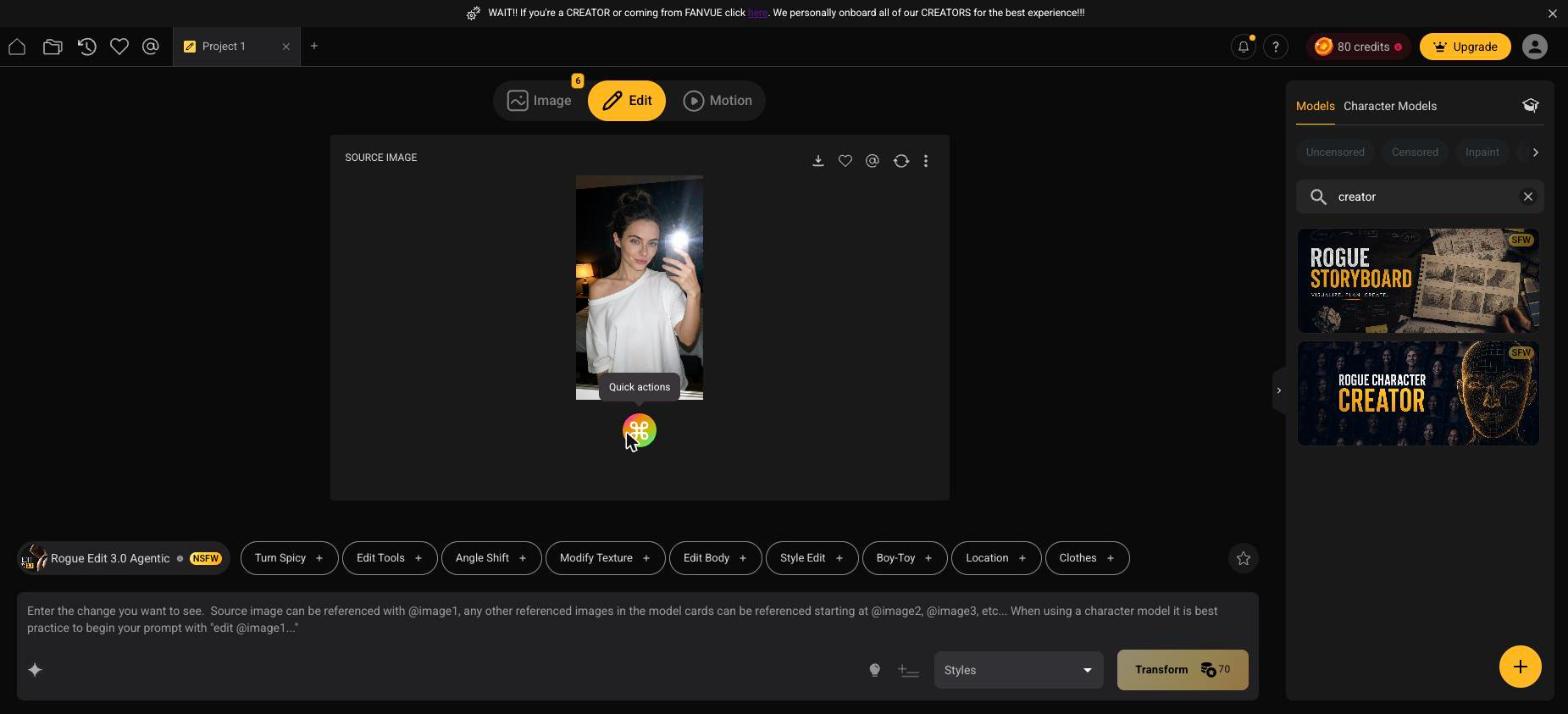
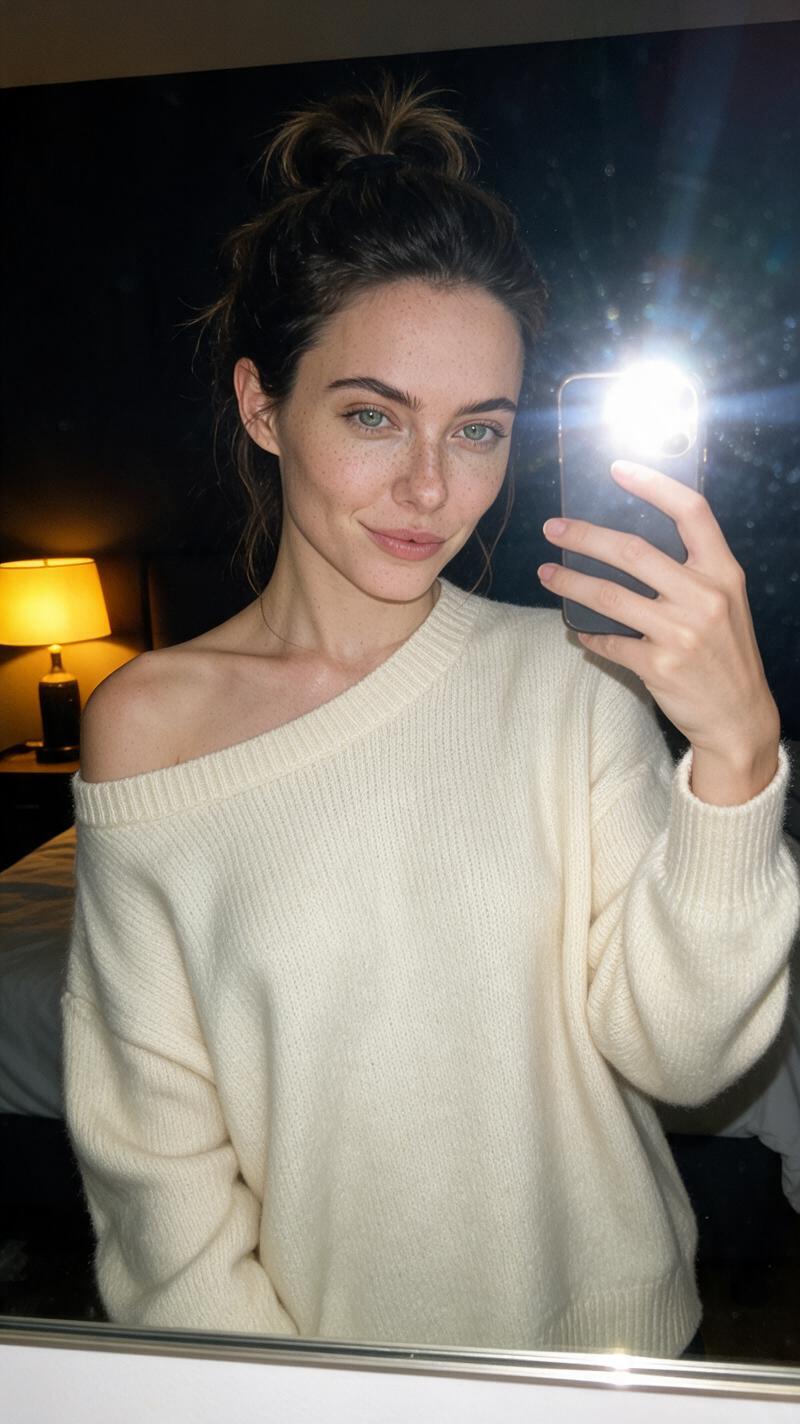
@image1. The exact edit from our live run:edit @image1 change her oversized white tee to a cozy cream knit sweater and
make the lamp light warmer and more golden, change nothing else
"Change nothing else" is not decoration. It's the fence that keeps her face, pose, room, and body exactly as shot — the difference between a wardrobe change and a different photo. Every edit prompt you ever write here ends with it.
Deeper edit tricks — inpainting with a paintbrush, anatomy fixes, one-click Quick Actions — live in the Playbook Part 2 (p42–58) and Rogue's Edit tutorial. Learn them when a specific shot needs them, not before.
Send the edit result to Motion as the start frame. Hover the result → the play icon → Send to first frame. The Motion suite opens with her frame locked as START FRAME. This is i2v — image-to-video: the video starts from exactly this image, which is why fidelity is guaranteed on frame one.
Confirm the disciplined settings before anything else. Model: Rogue Motion 2.0 (i2v). In Advanced Options: Duration 5 seconds, Resolution 480p. The Generate button reads 540. That's the r-1 rule doing its job — the same clip at high res and length can cost thousands, and the 480p test tells you whether the motion works before you ever pay that.
Prompt the motion, not the girl. The start frame already contains everything visual. Your prompt only says what happens. Ours:
@image1 she keeps the phone up in the mirror, sways gently, tucks a loose
   strand of hair behind her ear and smiles, warm lamp light, natural handheld
   motion
Small, specific, physical movements — sway, tuck, smile — animate believably. Vague drama ("she dances wildly") is how clips go uncanny.
Mine the clip for free stills. Open the finished video, scrub the timeline, and save any frame to your library — it costs nothing. Three or four distinct frames (mid-sway, the smile, the hair tuck) are new posts, previews, and PPV filler. Every video you ever render gets mined like this before you move on.
Know what you're not using yet. Below the i2v models sit facial-reference modes — they take her face only and invent the scene around it. Powerful, pricier, less predictable: that's next-level work for after her pipeline is earning (the Playbook's Part 3 covers them, p59–98). Until then: i2v from frames you already trust.
~25 minutes, ~610 credits all-in.
Her library holds the original keeper, one edited variant, one 5-second clip, and 3+ free frames mined from it — six-plus pieces of premium inventory from a single 80-credit shoot. That ratio is the business.
The prompt is missing the fence. Rerun with the exact structure: edit @image1 [one specific change], change nothing else. One change per edit — stacking three changes invites drift.
Use i2v with her frame as the start frame — if you prompted from text or a facial-reference model, that's the miss. Start frame = guaranteed frame-one fidelity.
It's the correct price for testing a motion idea — and the free-frames trick claws back a set of stills every time. What's actually expensive is skipping 480p and rendering the same experiment at several times the cost — the Generate button will tell you exactly how much. The 3–4 attempt rule from the Playbook applies: if a motion idea hasn't worked in three or four 480p tries, change the idea, not the resolution.
Simpler prompt. One or two physical movements, stated plainly. And check the start frame — clips inherit awkwardness from awkward source poses.
The same workflow with different presets — Naughty Actions, the Hardcore pills, boy-toy scenes. Mechanics are identical: start frame, disciplined settings, motion-only prompt. Content choices belong to her ladder, which is exactly what the next lesson wires up.
She moves. Last lesson of the section: the pipeline — how premium inventory flows from Rogue into her Bopgpt vault, onto her Fanvue ladder, and out as drops. Plus the machine built for exactly that job: the Content Factory.